
Getting started
Install User Import & Export, configure access and complete your first controlled Joomla user import.
What is User Import & Export?
User Import & Export is a Joomla component for moving and maintaining user data with CSV and XLSX files. It provides visual column matching, complete validation before changes are made, resumable processing and protected reports.
- Import new users, update existing users or combine both actions
- Export selected or filtered users to CSV or XLSX
- Work with Joomla standard fields, user groups and supported custom fields
- Save reusable import mappings and export profiles
- Preserve supported Joomla password hashes during controlled migrations
- Use the same workflow in the Joomla administrator and on the frontend
System requirements
| Requirement | Version |
|---|---|
| Joomla | 5.4 or later, or Joomla 6.x |
| PHP | 8.2 or higher (Joomla 6 itself requires PHP 8.3+) |
| Import formats | CSV and XLSX |
| Export formats | CSV and XLSX |
The same package supports Joomla 5.4 and Joomla 6 without requiring the Backward Compatibility 6 plugin.
Installation
-
Download the correct package
Download User Import & Export from your account at lolkv.com. If you own Frontend UserManager, User Import & Export is already included in the Frontend UserManager package and must not be installed separately.
-
Install it in Joomla
Go to System → Install → Extensions, upload the ZIP package and complete the installation.
-
Open the component
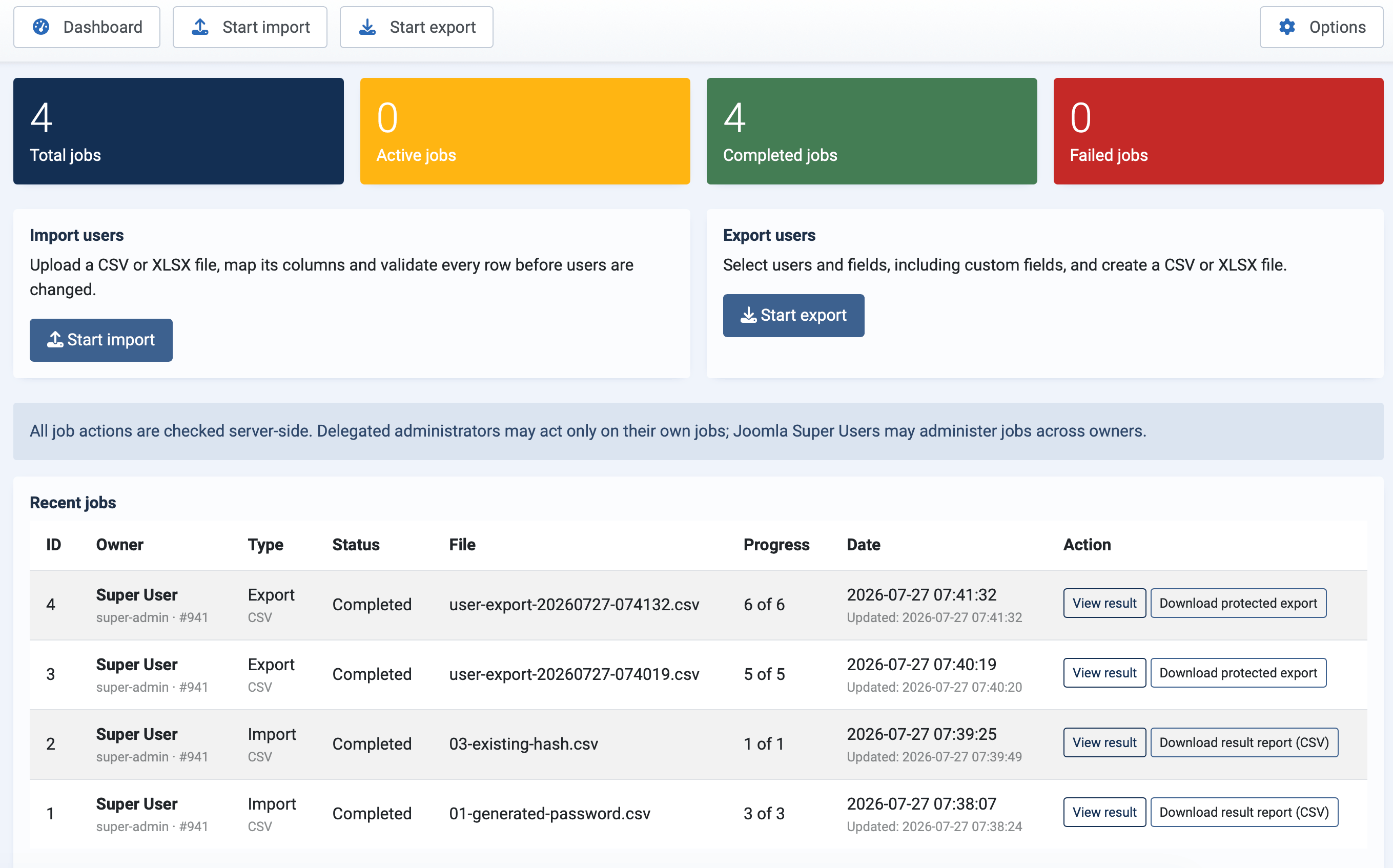
Go to Components → User Import & Export. The dashboard provides access to import, export and recent jobs.
Configure access
Open Components → User Import & Export → Options → Permissions. Grant only the actions each administrator or frontend manager needs. Import, export, saved profiles, job access and password-hash export are separate permissions.
User files contain personal data. Do not grant import, export or job access to a group simply because it can log in to the frontend or Joomla administrator.
Your first import
-
Prepare a small test file
Create a CSV or XLSX file with a clear header row and columns for at least name and e-mail. Use test accounts for the first run.
-
Upload and analyse
Select Import users, choose the file and click Upload and analyse. Uploading and matching columns do not change any Joomla users.
-
Review the matches
Check every suggested match. Name and e-mail are required when the import may create users.
-
Choose import settings
Select the import strategy, matching field, treatment of empty cells, groups and password mode.
-
Run full validation
Validation reads the complete file and reports what will be created, updated, skipped or rejected. No users are changed during this test.
-
Start the validated import
Only continue after reviewing the summary and any error report. The import then processes the validated rows in resumable batches.
For a new file layout, begin with two or three representative users. Once the mapping and result are correct, reuse the saved mapping with the full file.
